TruPals
Automatic Fish Feeder - WiFi Smart Feeder for Aquarium, Timed Remote Control Fish Tank Food Dispenser Fish Shrimp Feeding
Couldn't load pickup availability
SPECIFICATIONS
Battery Included: No
Brand Name: NONE
High-concerned chemical: None
LCD Display: No
Material: Plastic
Max Output: 100g
Min Output: 3g
Model Number: USB
Number of gears: 100
Origin: Mainland China
Voltage: 5V
Volume: 500ml
If you use Coke bottles or other beverage bottles with a 28mm mouth, you need to bring your own.
The feed uses artificial feed with round particles, which solves the problem that automatic feeding cannot be accurate and stable. Use eWeLink wifi relay control solution.
Features:
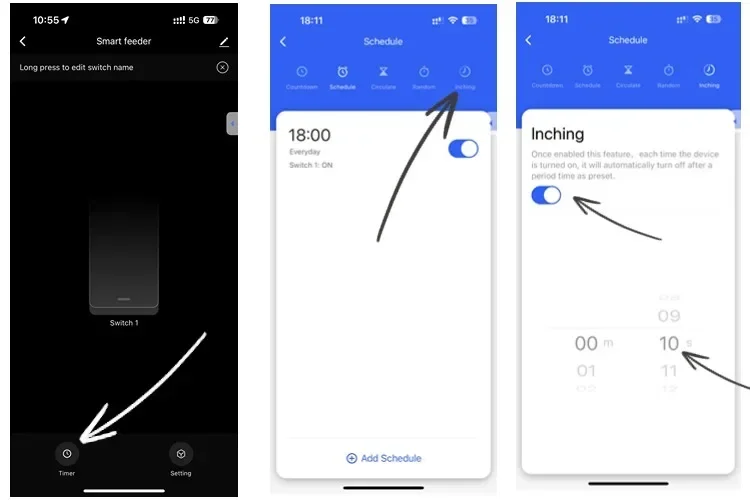
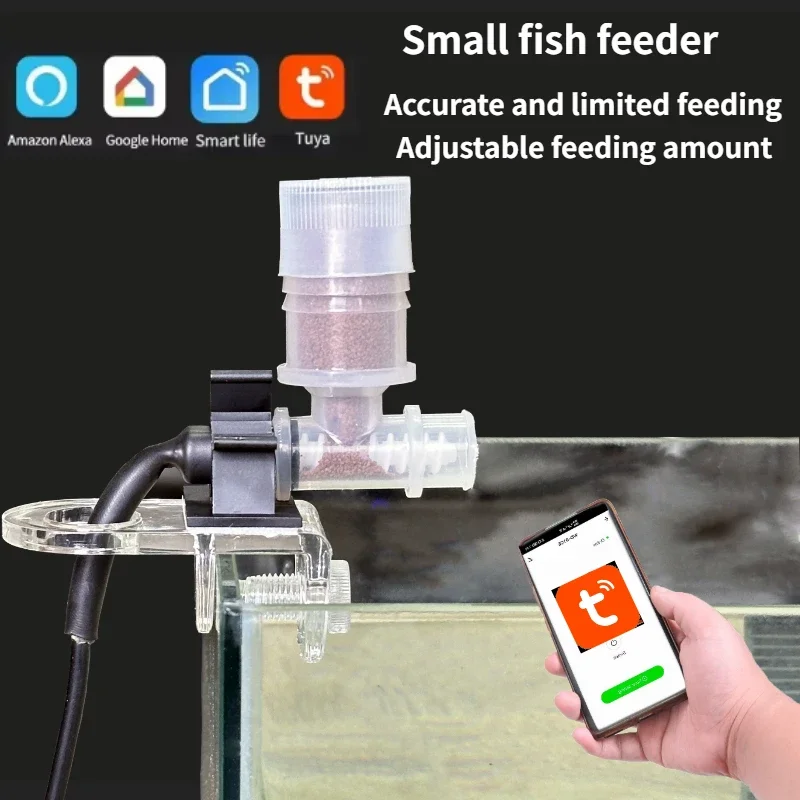
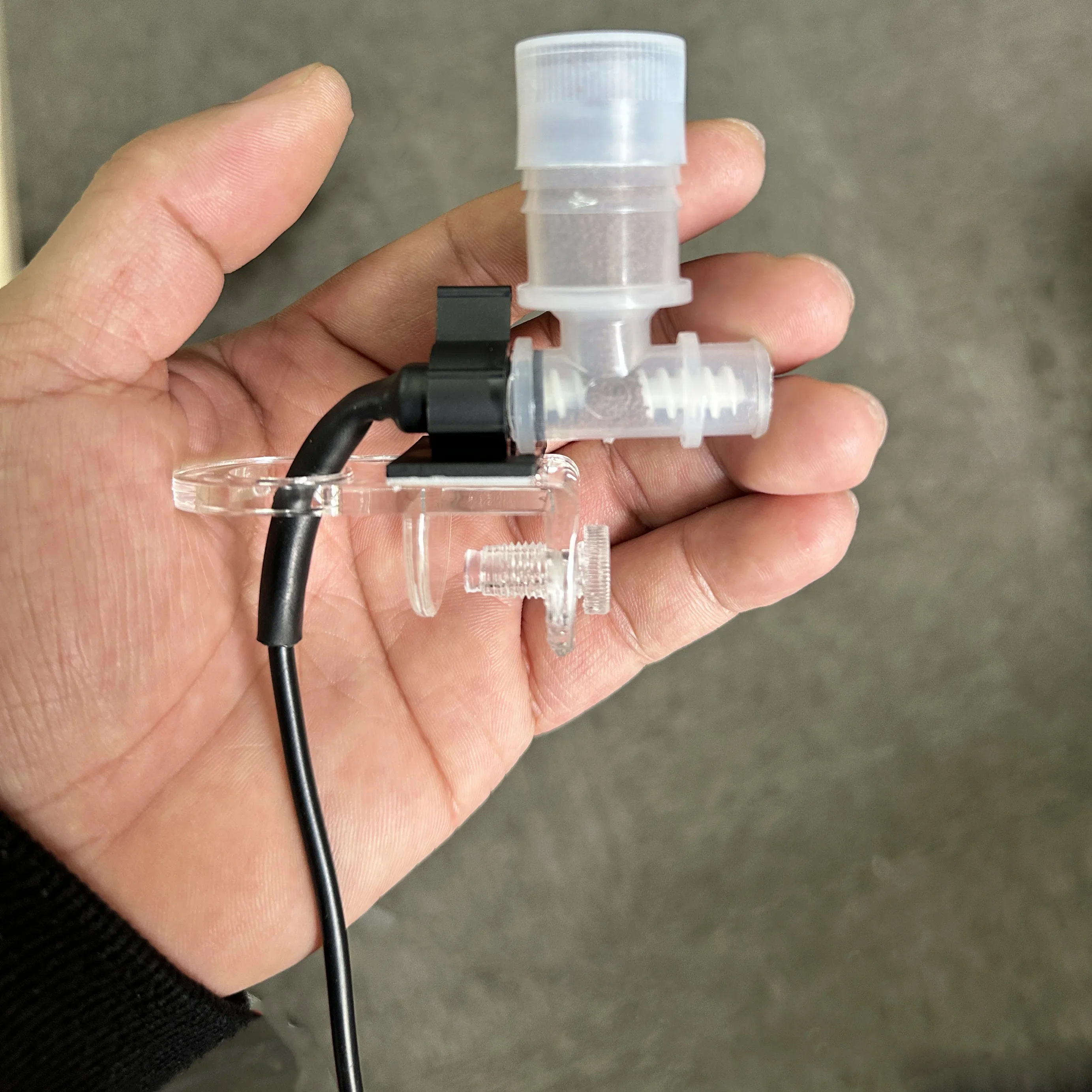
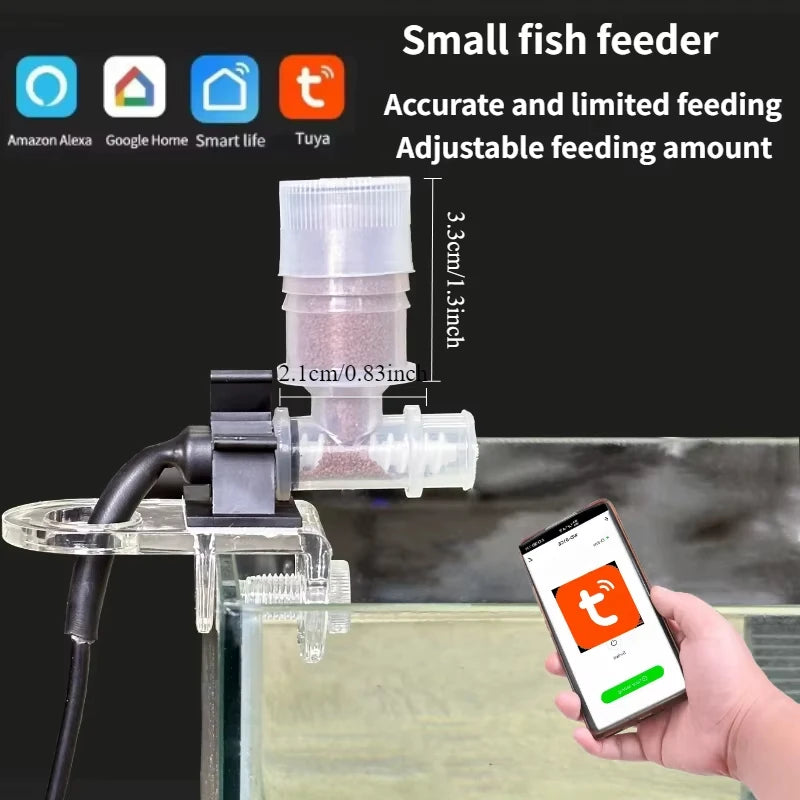
1. Use tuya or Smart Life APP mobile phone remote control, you can set the grain discharging time from 0.5 seconds to 60 minutes. Unlimited scheduled feedings.
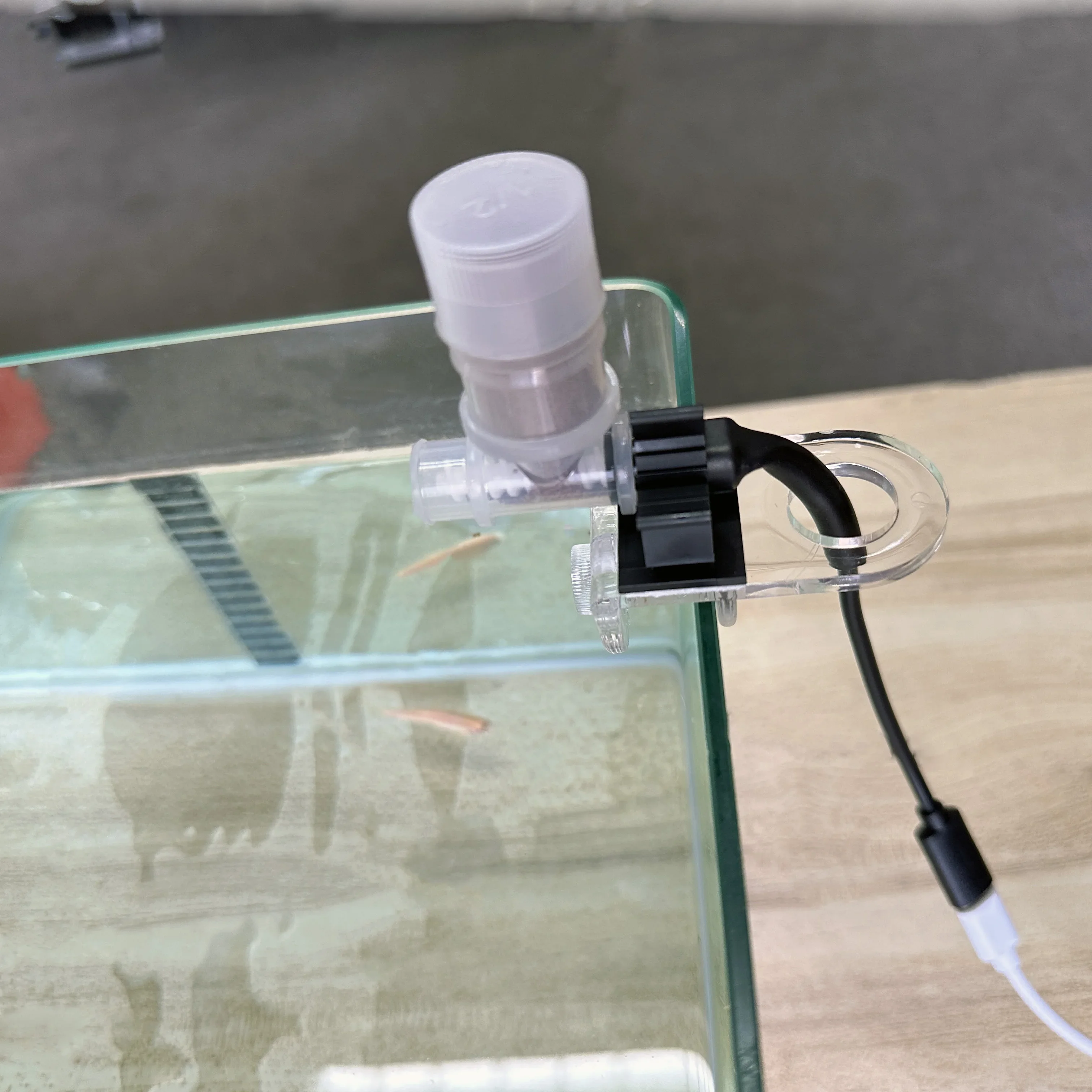
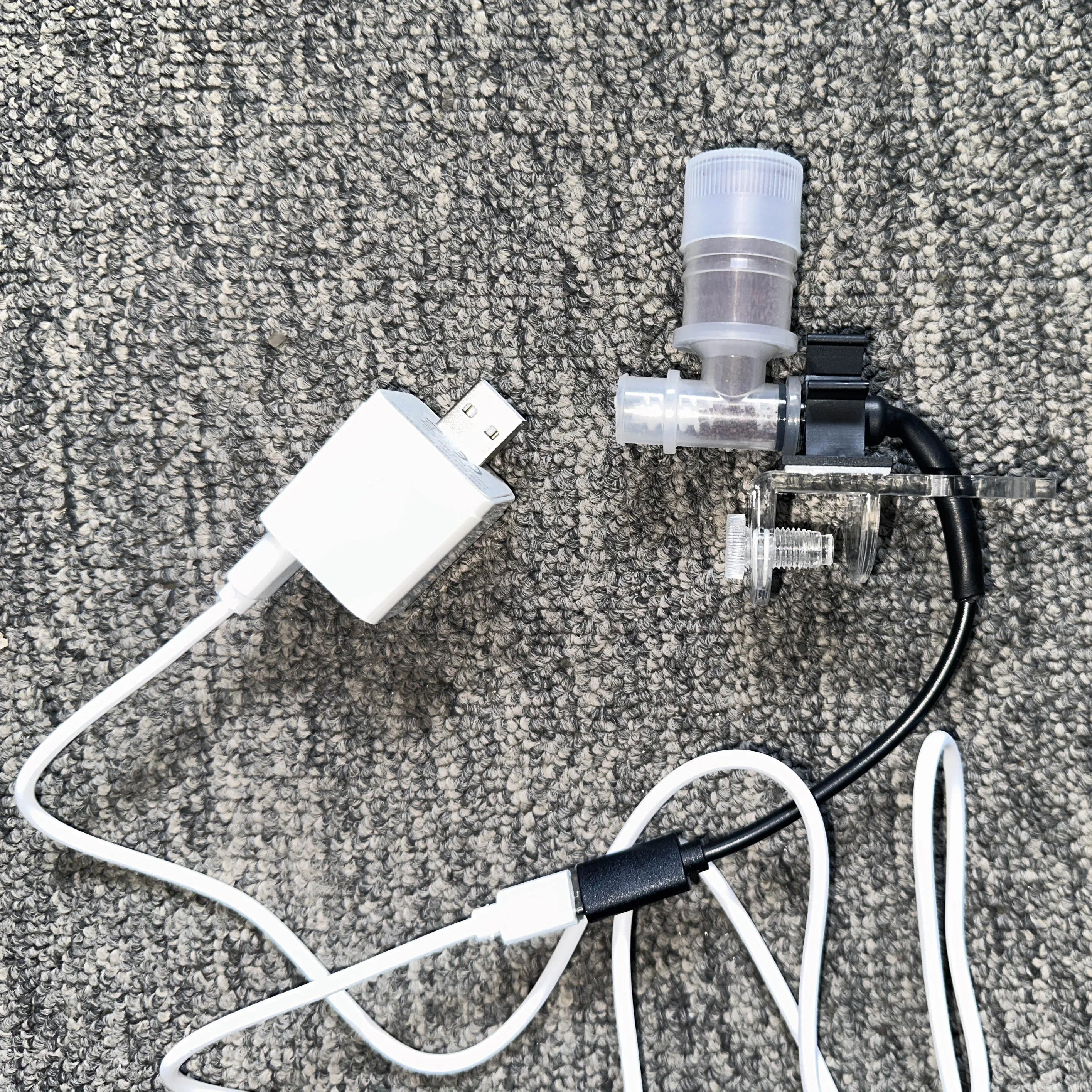
2. Use 5V power supply, typec interface, and can receive power from a charger or mobile power supply.
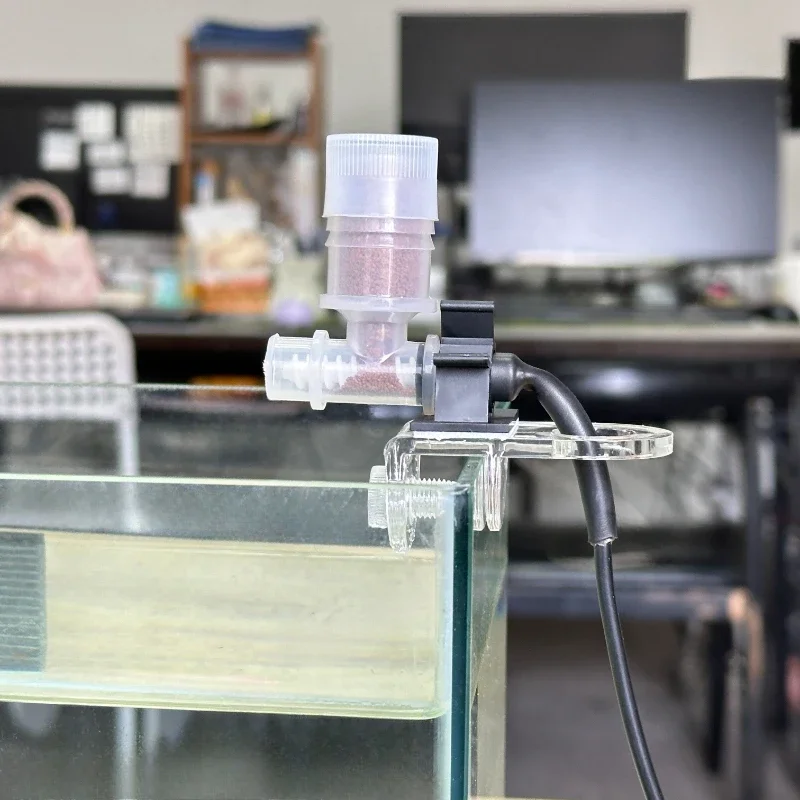
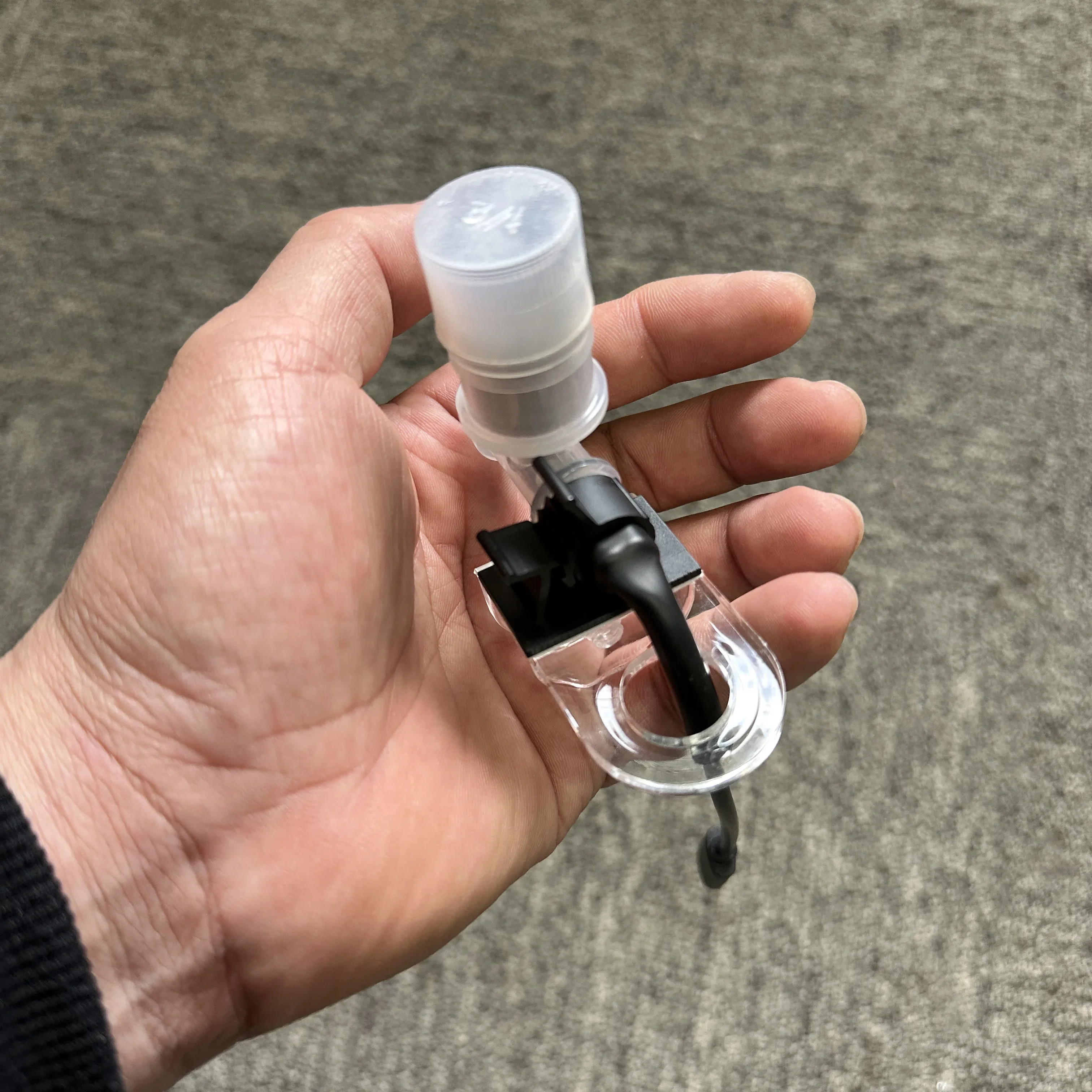
3. Using the 28mm threaded interface, you can use Coke bottles as beverage bottle containers. Really large capacity.
4. It adopts screw type discharge port, suitable for fish food of various specifications and shapes.
The advantages of this smart feeder: 1. Use Tuya or Smart Life APP, 2. Support 14 languages. 3. Can accurately control the amount of meals each time, 4. Can be connected to smart audio control. 5. You can replace it with a larger container, so you don't have to worry about being away from home for too long. 6. USB powered, you can use a power bank to power the device, so you don't have to worry about the impact of power outages.


How it works
How it works
Feature summary
Feature summary
Shipping policy
Shipping policy
Return policy
Return policy

Product® provides [solution] to the [pain customer has]
Share information about your brand with your customers. Describe a product, make announcements, or welcome customers to your store.
Watch Product® in Action
3 Simple Steps
-
Step 1
Pair text with an image to focus on your chosen product, collection, or blog post. Add details on availability, style, or even provide a review.
-
Step 2
Pair text with an image to focus on your chosen product, collection, or blog post. Add details on availability, style, or even provide a review.
-
Step 3
Pair text with an image to focus on your chosen product, collection, or blog post. Add details on availability, style, or even provide a review.
Caption
Feature 1
Pair text with an image to focus on your chosen product, collection, or blog post. Add details on availability, style, or even provide a review.
Caption
Feature 2
Pair text with an image to focus on your chosen product, collection, or blog post. Add details on availability, style, or even provide a review.
Caption
Feature 3
Pair text with an image to focus on your chosen product, collection, or blog post. Add details on availability, style, or even provide a review.
Get Product® now and forget about [customer pain]
Share information about your brand with your customers. Describe a product, make announcements, or welcome customers to your store.